Open Solara’s built-in ScriptHub
Browse the built-in list first, then open the script you want to inspect.
 EXECGet the file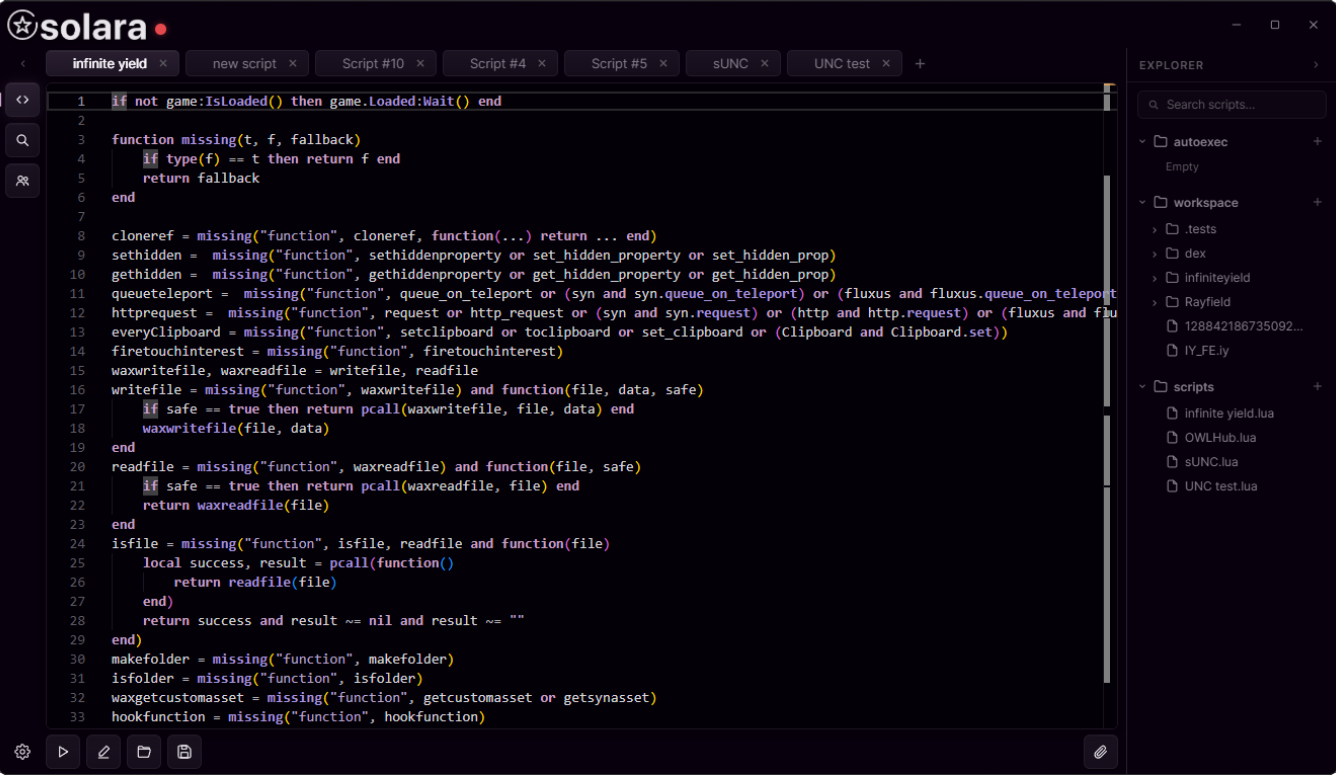
A tabbed desktop editor with script discovery built into the same workspace.
Checking the published file…
Solara keeps editing and finding scripts in one place. Use tabs to move between work, browse the explorer, and open ScriptHub when you need another script.
The editor is designed around a simple, familiar workspace with the main actions within reach.
Start with a script that names your game and shows its source. Compatibility varies by Roblox update, game and executor.
Browse the built-in list first, then open the script you want to inspect.
On ScriptBlox, search the exact game name (for example, Blox Fruits or Murder Mystery 2). For general commands, see the original Infinite Yield project.
Check what the script does and whether it matches your game. Open the code in the editor, then use Solara’s execute control. A script may stop working after a game update.
Learn Luau basics ↗See the product before downloading it. Open the image for a closer look.

Return to the current file and start the download.