Open Cosmic’s built-in ScriptHub
Browse the built-in list first, then open the script you want to inspect.
 EXECGet the file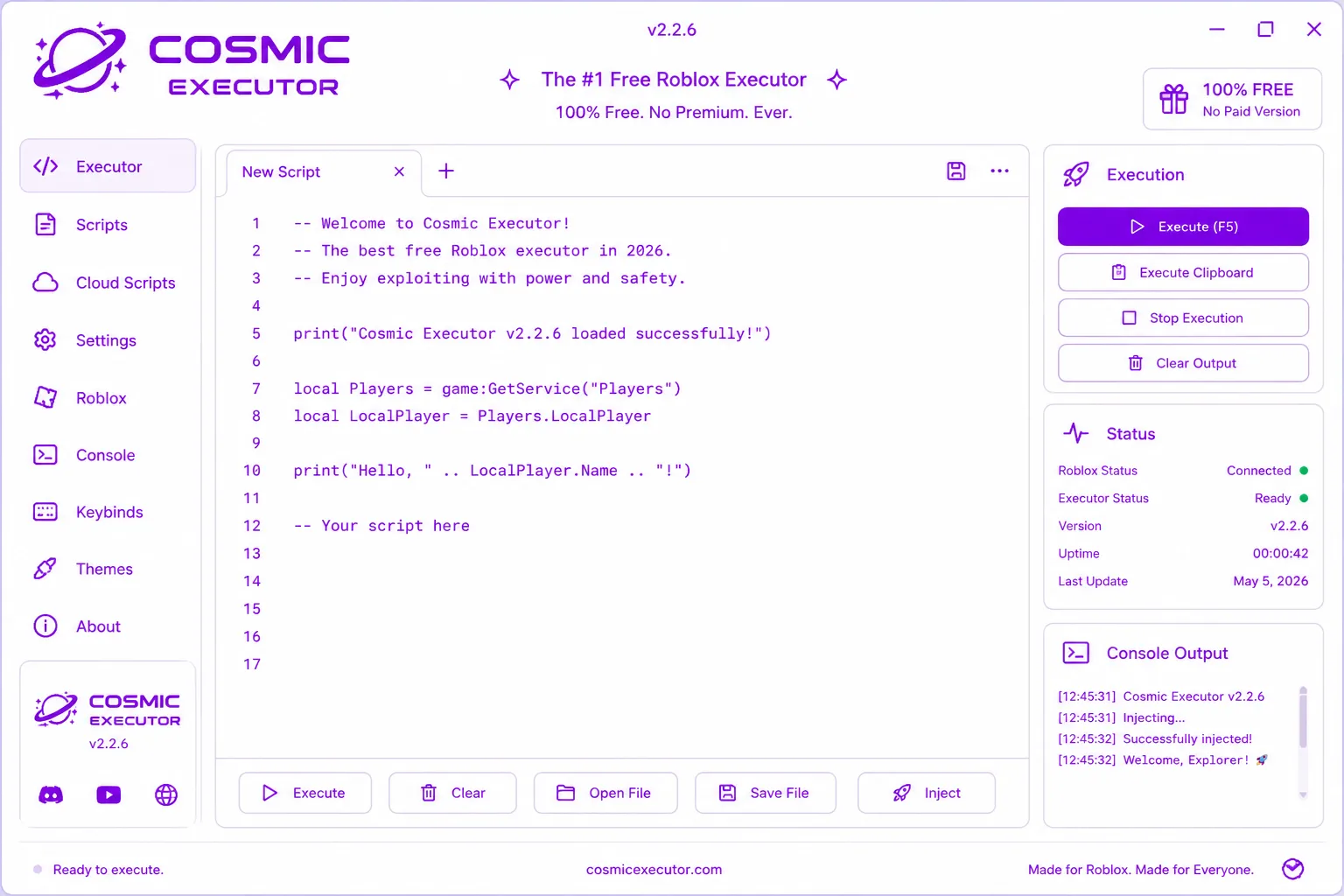
A Lua editor, execution controls and a script library in one app.
Checking the published file…
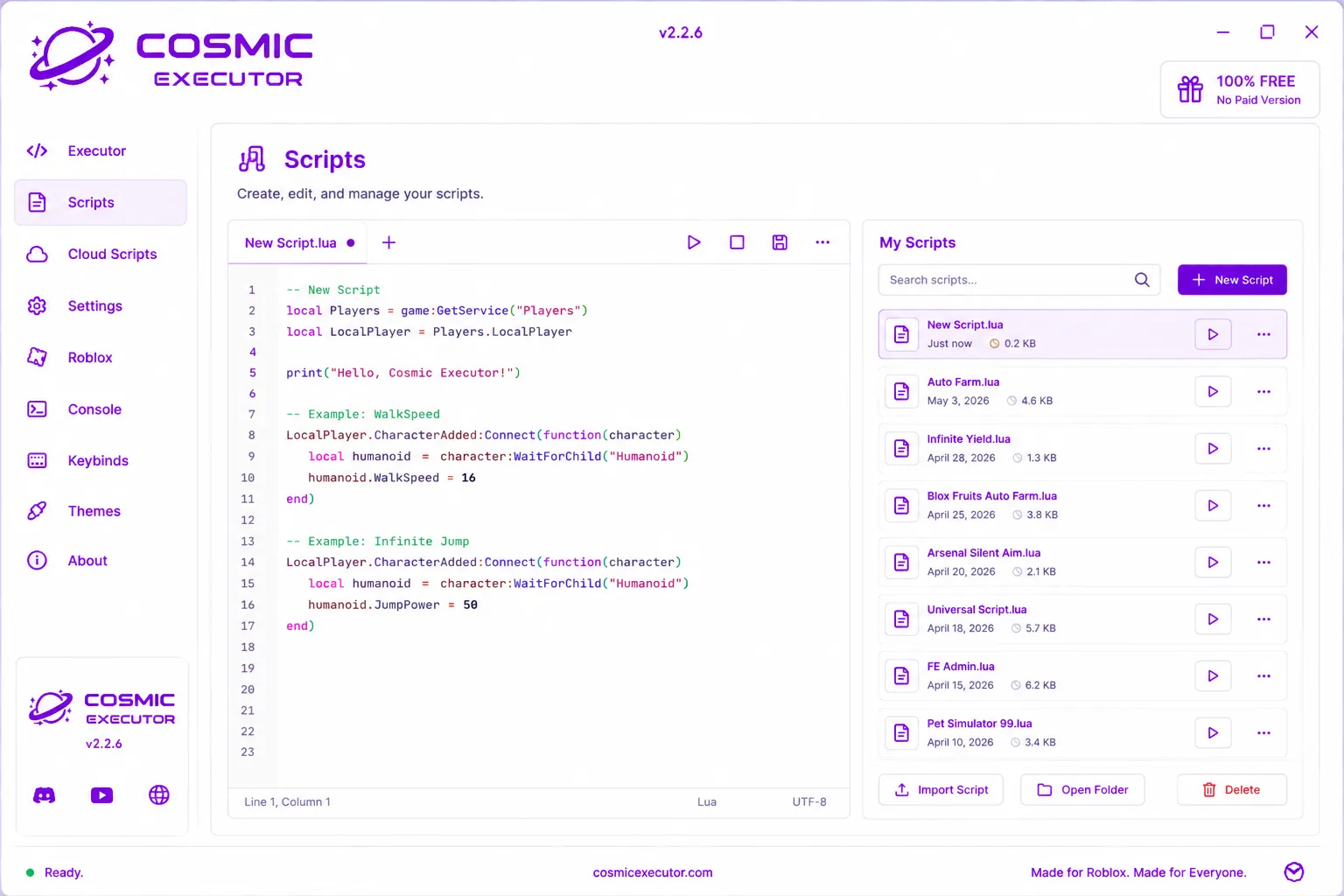
Cosmic combines a tabbed editor with an execution panel, console output and a library of scripts. The main controls are visible in a single window.
The interface screenshot shows its lighter desktop layout and the separate scripts view.
Start with a script that names your game and shows its source. Compatibility varies by Roblox update, game and executor.
Browse the built-in list first, then open the script you want to inspect.
On ScriptBlox, search the exact game name (for example, Blox Fruits or Murder Mystery 2). For general commands, see the original Infinite Yield project.
Check what the script does and whether it matches your game. Open the code in the editor, then use Cosmic’s execute control. A script may stop working after a game update.
Learn Luau basics ↗See the product before downloading it. Open the image for a closer look.
Return to the current file and start the download.